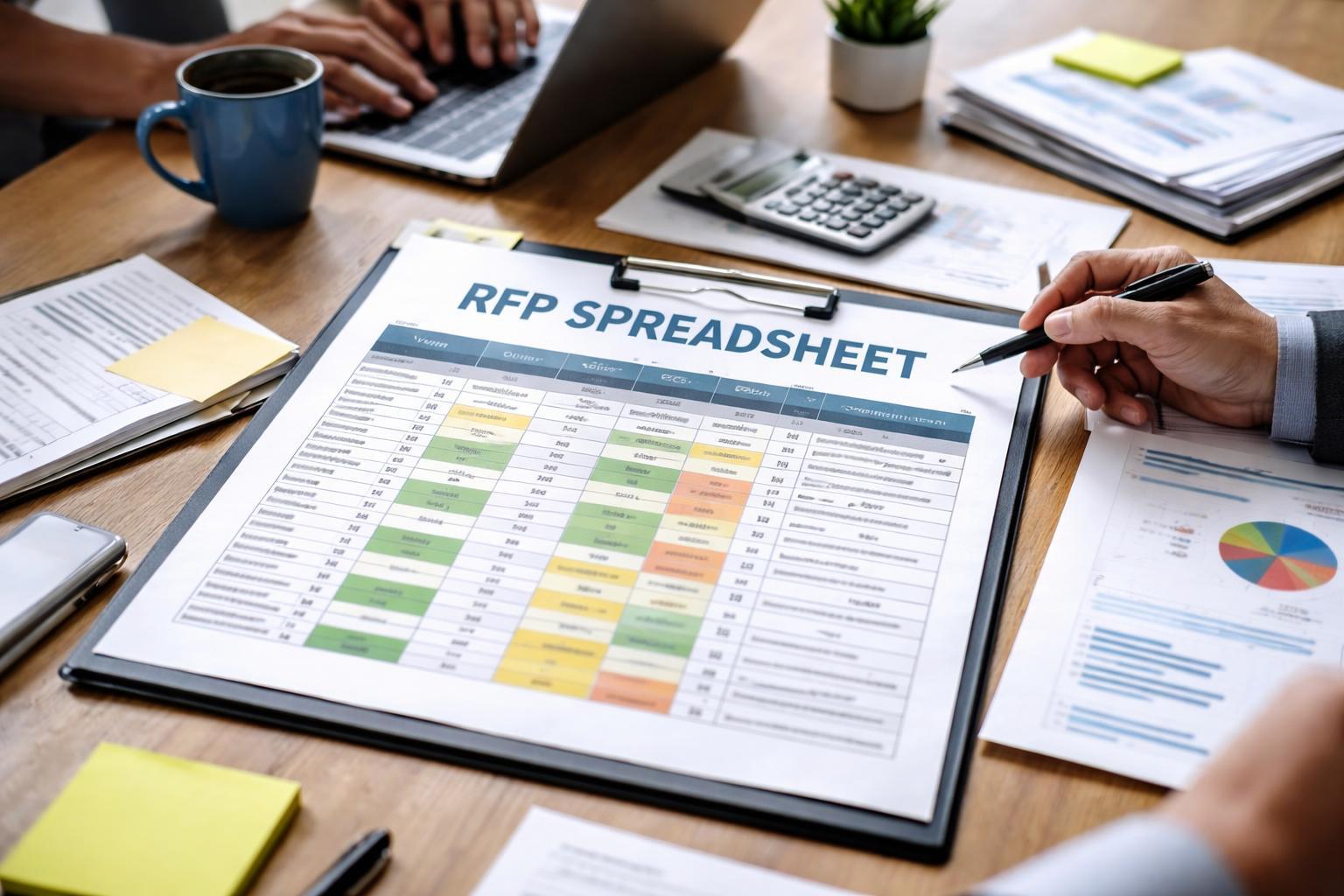
Spreadsheets work, but they're slow, error-prone, and don't scale. If you're comparing more than a few suppliers, you need better tools. Here's the RFP process done right—and why software wins.
Before you even send out an RFP, you need to know what you're evaluating. Price? Quality? Service level? Response time? Support?
Most teams start here and immediately hit a wall: how do you weight these criteria? Is price worth 40% or 60%? Does on-time delivery matter more than cost?
A spreadsheet lets you create columns for each criterion. That part's fine. But the moment you need to adjust weights, recalculate scores, or compare different scenarios? You're manually updating formulas that probably have errors you haven't found yet.
According to Gartner's Guide to Procurement Best Practices, teams that align evaluation criteria across stakeholders make faster, better decisions. Common mistake: Teams weight criteria inconsistently across evaluators. Without structure, bias creeps in. One person thinks price is everything. Another values support. No alignment = bad decisions.
Get your criteria locked down before moving forward.
Now you send out the RFP. Suppliers respond via email, PDF, or whatever format they choose. Some are detailed. Some are vague. Some miss sections entirely.
Here's the reality: you're about to spend hours standardizing their responses into a format you can actually compare.
One supplier gives you pricing in a table. Another uses paragraphs. A third uploads a 50: extract, organize, normalize.
With a spreadsheet, this means:
It's tedious. It's error-prone. And if a supplier sends an updated response? You're redoing chunks of work.
The manual data entry tax is real. For a 5-supplier RFP, you're looking at 4-8 hours of pure data wrangling. We have a free RFP spreadsheet template if you want to try managing it manually—but this is where most teams realize a spreadsheet isn't enough.
Now that you have responses, you need to standardize them.
Supplier A quoted $10,000/year. Supplier B quoted $833/month. Supplier C included setup fees, training, and support separately. How do you compare apples to apples?
You manually normalize everything. You create formulas to convert monthly to annual. You add footnotes about what's included and what's not. You hope you didn't miss anything.
And if you did miss something? You're auditing the entire spreadsheet again.
A spreadsheet gives you rows and columns. That's it. There's no built-in logic to handle inconsistencies. No validation. No way to flag "wait, this doesn't match the others."
You're doing all the thinking. The spreadsheet is just holding the data.
This is where most spreadsheets break.
You've got your criteria weighted. You've got your data normalized. Now you create a scoring matrix. Supplier A gets 8/10 for price, 7/10 for support, 9/10 for features. You multiply by weights. You sum it up. You get a final score.
Except:
Now you're updating formulas, hoping you didn't break anything. Cells are recalculating. Numbers are changing. Did that dependent formula update? Is that total still accurate?
Spreadsheet formulas are a house of cards. One mistake, and your entire comparison is wrong. And you won't know until you spot-check everything manually.
Plus, if multiple people are editing the spreadsheet simultaneously? Congratulations, you've got version control chaos. Who has the latest version? Did someone overwrite someone else's changes?
You've scored everything. You've got a winner (probably). Now you need to document it.
Why did you choose Supplier B? What were the trade-offs? If someone asks in 6 months why you didn't go with Supplier A, what's your answer?
With a spreadsheet, you've got... a spreadsheet. Maybe some notes in the cells. Maybe a separate document. Probably a lot of "I remember we talked about this" conversations.
For compliance, audit, or internal review, a spreadsheet is a liability. There's no clear decision trail. No timestamp on when things changed. No visibility into who made what decision and when.
And if your procurement process is regulated (healthcare, government, finance), you need that audit trail. According to NCMA: RFP Management Standards, proper documentation protects your organization and ensures accountability.
You're spending 4-8 hours (per RFP) copying, pasting, and reformatting supplier responses. That's time you're not spending on strategy or relationship building. That's expensive, and it compounds with every RFP you run.
One person is updating the spreadsheet. Another person is working from an old version. Someone's formula breaks. Now you've got conflicting data and no way to know which version is right.
Teams need real-time collaboration. Spreadsheets simulate it poorly.
In 3 months, someone asks: "Why did we choose that vendor?" You've got a spreadsheet with some scores. But why were those weights chosen? Who decided? When? What changed between versions?
There's no record. That's a problem for compliance and for institutional knowledge.
A spreadsheet works fine for comparing 3-5 suppliers. Add 10 suppliers, multiple evaluation criteria, and team collaboration? The spreadsheet becomes unmanageable.
Formulas get complex. Performance slows. Errors hide. You spend more time maintaining the spreadsheet than actually evaluating proposals.
Here's the thing: the problem isn't RFPs. The problem is doing RFPs manually.
RFP software exists for a reason. It automates the parts that kill productivity:
Speed. Software structures the RFP process. No more hunting for information or reformatting responses. Logic means fewer errors. No broken formulas. No human copy-paste mistakes. The comparison is consistent and auditable.
Collaboration. Multiple people can evaluate simultaneously. Everyone sees the same data. Changes are tracked. Decisions are documented.
Compliance. You've got a paper trail. Timestamps. Decision rationale. Audit-ready records. If someone asks why you chose a vendor, you can show them exactly how you got there.
If your team runs RFPs regularly, or if your procurement process involves multiple stakeholders, software pays for itself in hours saved.
The best part? You don't need to break the bank. oboloo is free forever—no credit card, no limited trial, no surprise charges. Just better RFP management from day one. According to Procurement Magazine's RFP Process Optimization guide, teams that switch to purpose-built tools report 40% time savings on average.
Can a spreadsheet work for small teams?
Sure, if you're comparing 2-3 suppliers and only one person is involved. But the moment you add complexity—more suppliers, multiple evaluators, updated responses—a spreadsheet slows you down. Small teams benefit from better structure.
How much time do teams actually waste on manual RFPs?
It varies, but most teams spend 4-8 hours per RFP on data entry and formatting alone. That's time you could spend on strategy, negotiation, or relationship building. Over a year, that adds up.
What's the cost difference vs. software?
A spreadsheet costs nothing upfront. But the time cost is real. If you run 4 RFPs a year and waste 6 hours per RFP, that's 24 hours of salary—easily $500-$2,000 depending on your team's pay scale. Software that's free forever? It pays for itself immediately.